
Why I removed the Thrustmaster T.16000M from My VR Cockpit
The T.16000M is cheap and its main axes are good, but button layout is terrible, especially for VR, and twist sensor failed after months.
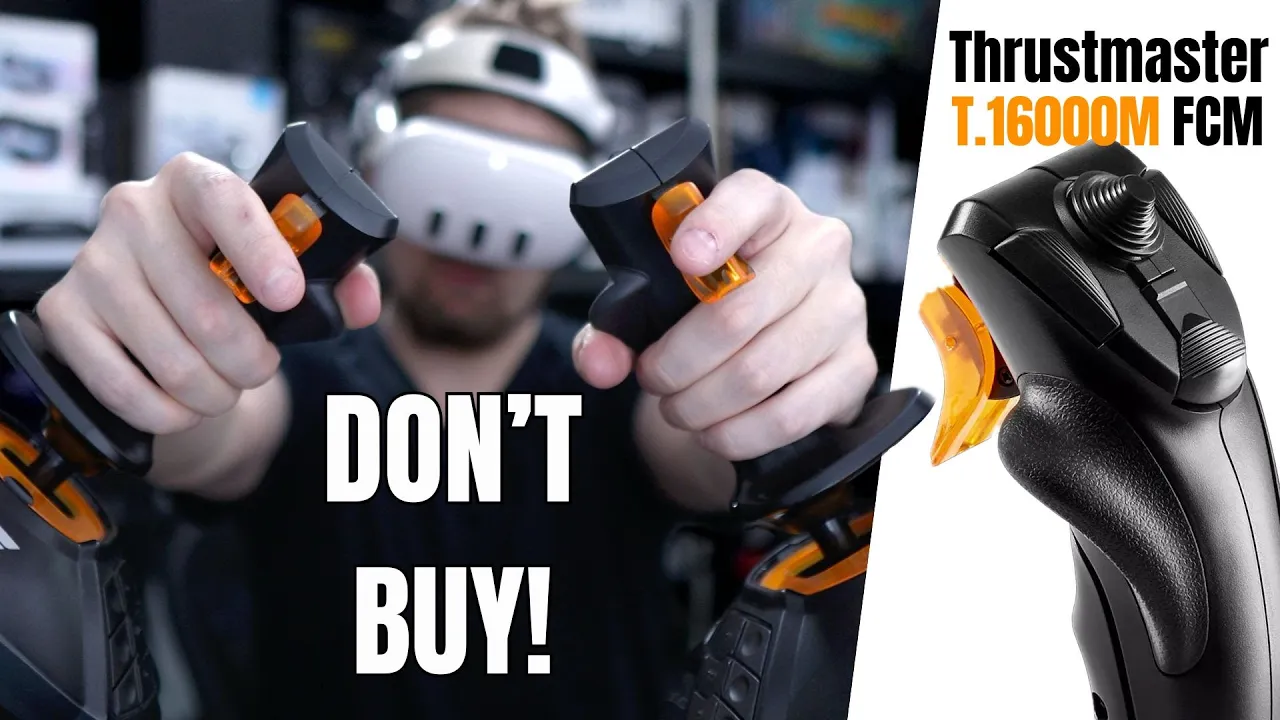
Want the full version? The video includes all the demonstrations and cockpit context that are easier to show than describe.
Watch the full video on YouTubeDisclosure: I bought two of these joysticks around 2020 and 2021. This is just a warrning about a few things, not a complete review. I use affiliate links always when they are available. If you buy through one of them, I may earn a commission at no extra cost to you.
The short version
I bought two Thrustmaster T.16000M sticks for a HOSAS setup, expecting to use them in VR space sims such as Elite Dangerous and Star Citizen. I kept them for years, but they were one of my worst cockpit purchases. I am replacing them because the controls I need are not on the grips; they are spread around the base where I cannot use them reliably with a headset on.
This does not mean the stick is useless. At about $80 when I made the video, it was cheap, the X and Y axes use Hall sensors, and it can work for a flight-sim HOTAS setup when a separate throttle supplies the extra buttons. It can also be enough for games that need few controls. It was simply the wrong product for the immersive two-stick VR setup I wanted.
The twist sensor (Z-axis) failed
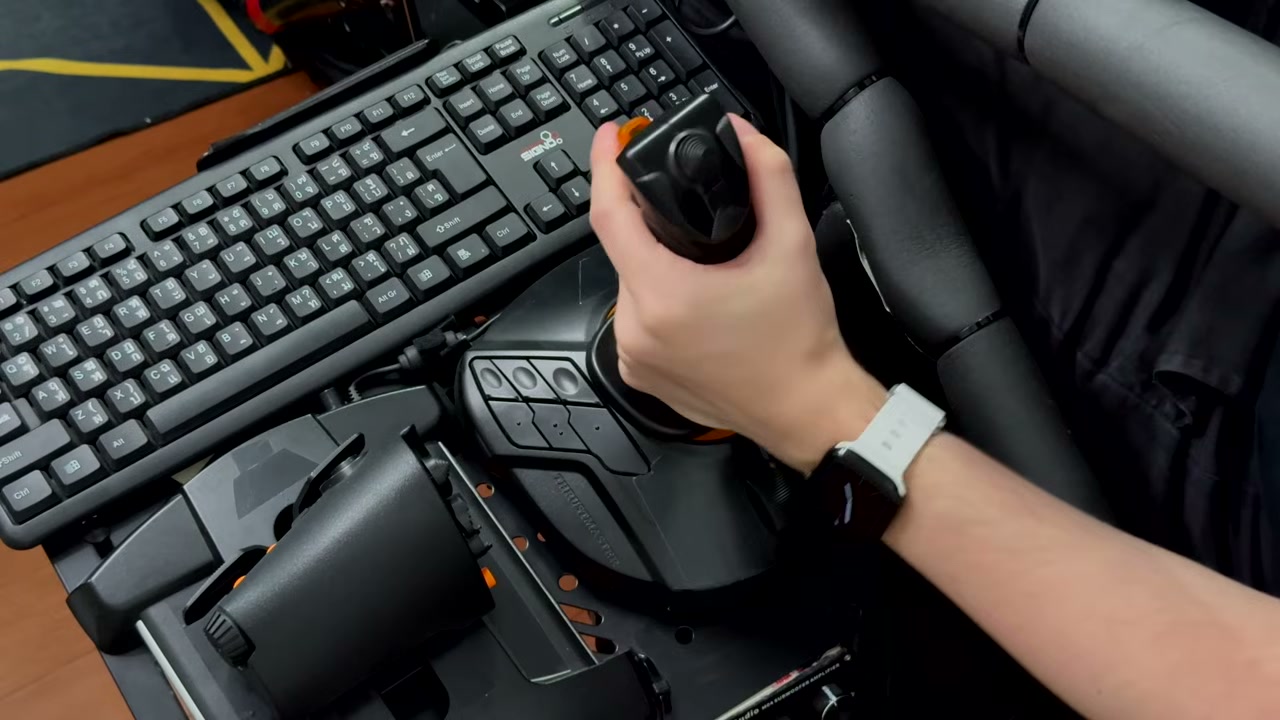
The good sensors are on X and Y. The Z axis uses a much worse sensor, and mine stopped working after a few months. It can be repaired, but some owners have to repeat the work over and over again. How quickly it fails seems to depend partly on how much force is used on the twist.
For a cheap stick, some compromise is expected. A control that may need recurring repair is still something I wish I had understood before buying two.
Base buttons are almost useless in VR
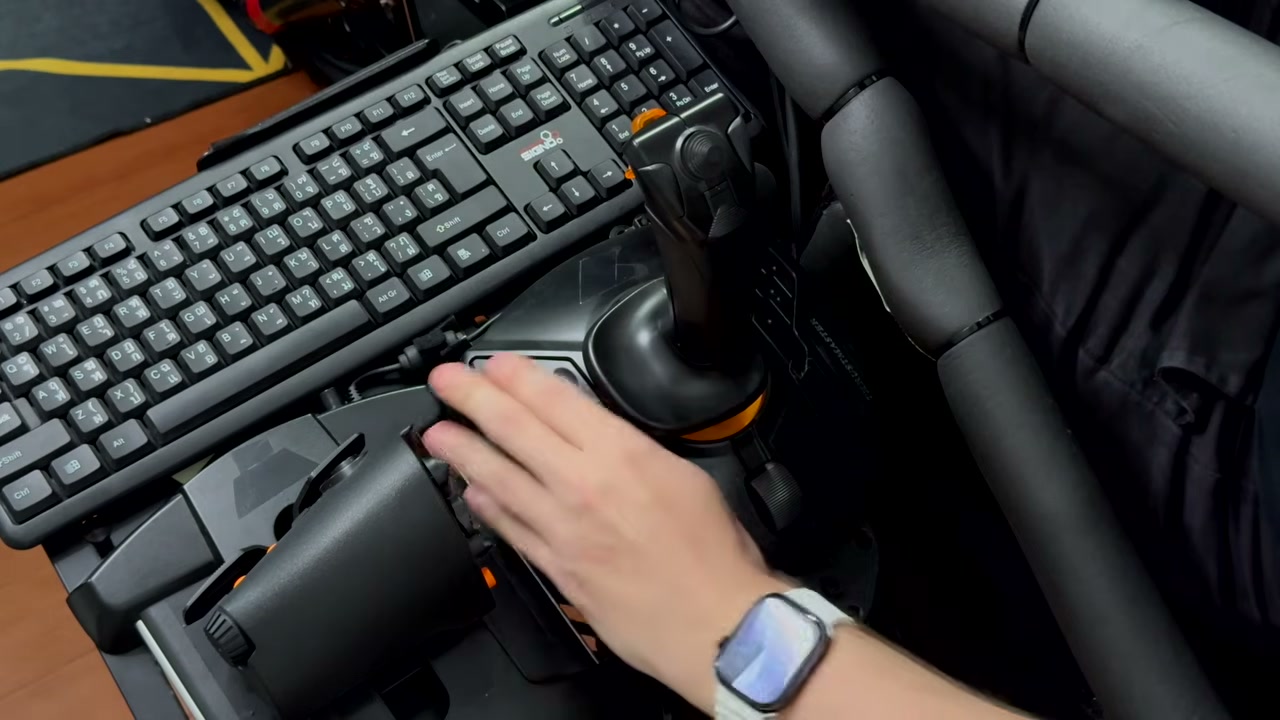
The larger problem is the base-button layout. In VR I need to identify controls by position and touch. These buttons sit around the stick where reaching them interrupts control, and their arrangement did not let me identify the correct one reliably.
I type every day on blank keycaps, so this is not simply a problem with memorizing unlabeled controls. On the T.16000M base, I could not confidently tell whether my finger was over one button or its neighbor. The controls are acceptable for tasks I perform before takeoff, such as starting an engine. During flight, I learned to treat them as if they did not exist.
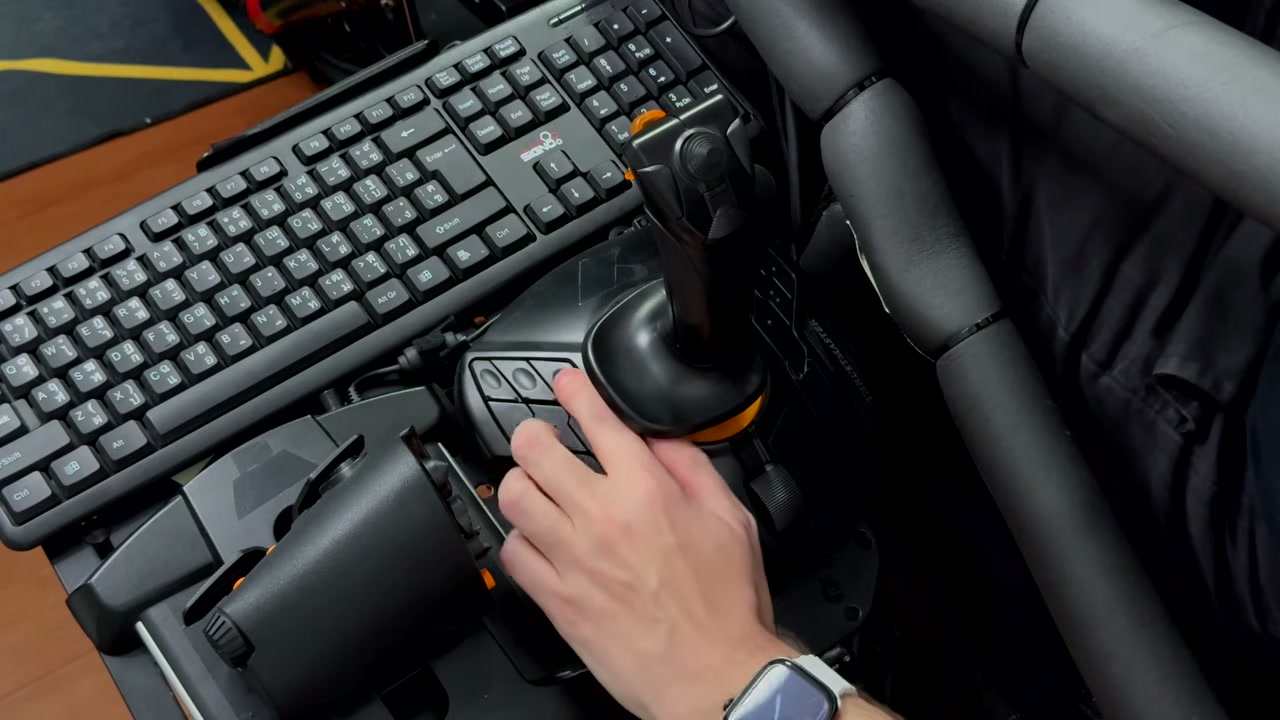
There is also no convenient grip modifier that turns the few reachable buttons into a second control layer. A spacecraft has too many functions for that limitation.
Why HOTAS can work but HOSAS did not
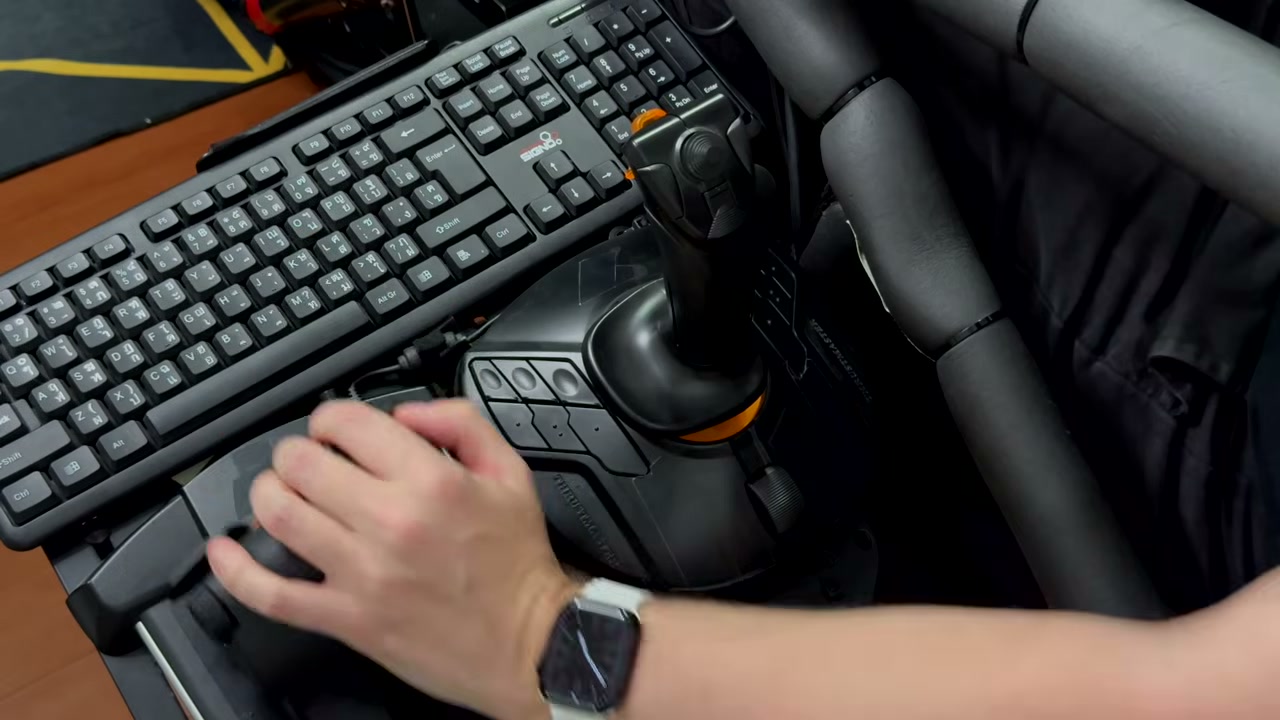
For airplanes, I used one stick with a separate throttle. The throttle has many controls directly under my hand, so the combined HOTAS layout was usable. I still did not love the stick, but I could fly with it.
For space sims I wanted two sticks: HOSAS. Removing the throttle also removed its useful buttons. I then had to reach for a keyboard or another device, which defeated the immersion I was trying to create. Technically I could play that way; practically it made me avoid the space sims I built the setup for.
What I would do instead
If you need few controls, play outside VR where you can see the base, or plan to pair one T.16000M with a well-equipped throttle, the low price may still make sense.
For a VR HOSAS cockpit, think carefully before buying two. Count the controls you need on each grip, ignore the base buttons when doing that calculation, and spend more on sticks that keep important functions under your fingers (for example Winwing/Winctrl Ursa Minor Fighter). I should have followed that advice myself.