
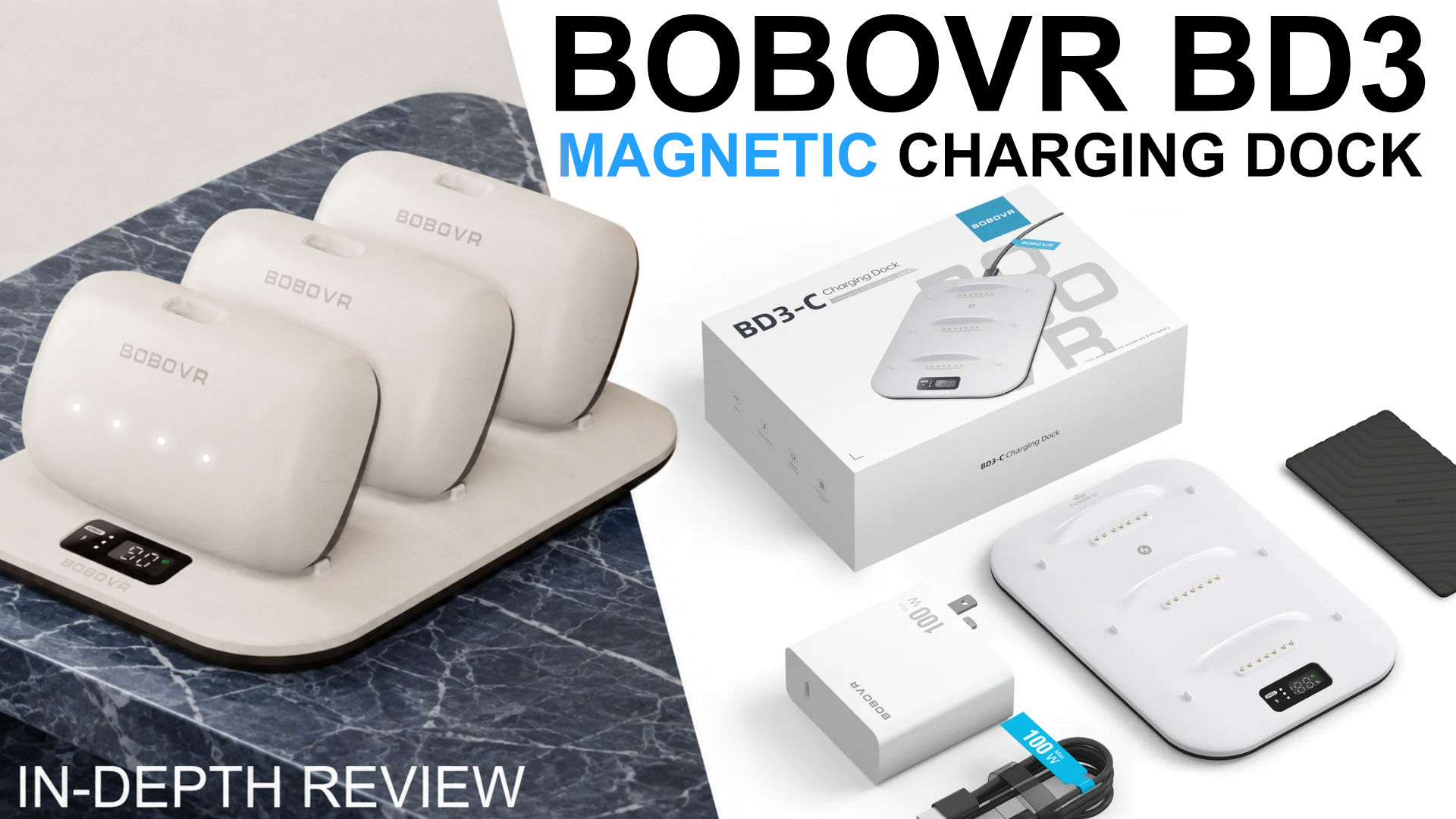
BOBOVR BD3 Review: Fast B100 Charging, but the Box Is Wrong
The BOBOVR BD3 charging dock can charge one B100 battery in about two hours and three batteries at high speed, but the printed specifications are wrong and the dock needs a correctly rated 100 W power supply for maximum performance.
Want the full version? The video review includes all the demonstrations, comparisons and extra details that are easier to show than describe.
Watch the full review on YouTubeDisclosure: The review units were sent to me for free by Bobovr. I use affiliate links always when they are available.I use affiliate links always when they are available. If you buy through one of them, I may earn a commission at no extra cost to you.
Quick verdict
The BOBOVR BD3 is a fast magnetic charging dock for BOBOVR’s B100-series batteries. A battery that took about three hours to charge through USB-C reached full charge in roughly two hours on the BD3. With three batteries installed, the dock can draw up to 90 W.
The dock is useful because it turns B100 batteries into a practical rotation system. The display shows which battery is fuller and how quickly it is charging, and a small indicator helps identify which battery to grab next. The biggest problem is not the hardware: the printed specification panel on the box is substantially wrong. The manual contains the correct information, and the magnetic dock is not cheap.
Pros
- Charges B100 battery in about two hours
- Can charge three batteries at up to approximately 90 W together
- Display shows charging power and battery percentage
- Indicates which battery is fuller when more is installed
- Optional sticky pad helps keep the dock in place
Cons
- The printed specification panel on the box is incorrect
- One hour reached about 69%, not BOBOVR’s claimed 80%
- Older batteries from the M3 Pro generation are not compatible
What is in the box?
The dock is designed for BOBOVR’s B100-series batteries. The video shows the charging cable, manual and the dock itself. The battery is sold separately, although regional bundles may combine the dock, batteries and power supply.
A removable sticky pad can be attached to the bottom. It is useful if the dock moves when you lift a battery out.
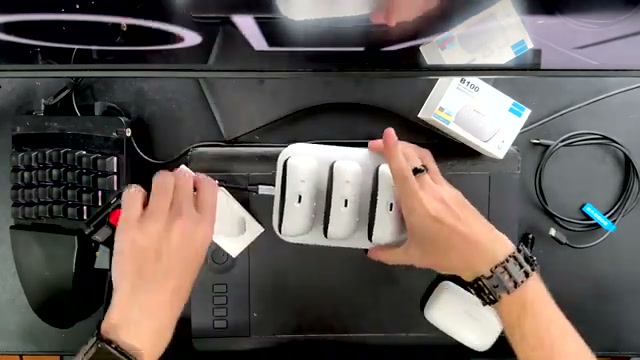 The BD3 and several B100 batteries shown directly in the source video.
The cable is a normal power-delivery cable rather than a USB 3 data cable. That is correct for a charging dock, but it means the cable is not suitable for fast data transfer.
Charging performance
A B100 battery normally took about three hours to charge through its USB-C port in the test. On the BD3, the same battery reached full charge in approximately two hours and one minute. That is a meaningful improvement if you use the battery every day or rotate several of them during long sessions.
With one battery connected, the dock displayed around 28–29 W while the measured input was close to 30 W. The display is not perfectly precise, but it provides useful feedback. With three batteries installed, the dock can charge both at up to approximately 90 W total.
That maximum requires a power supply capable of 100 W on a single output, with the appropriate 5 A at 20 V specification. A power supply rated at 100 W through several weaker outputs may not be enough.
 The display reports charging power and battery percentage for the installed batteries.
BOBOVR claims that one hour on the dock should bring a battery to 80%. My measurement reached approximately 69%. That is still good, but it is important to separate the real result from the marketing claim.
The printed specifications are wrong
The most surprising problem is the specification panel printed on the box. The labels for input and output are reversed: the magnetic interface is an output, while USB-C is the input. Other data is also often incorrect.
The dock itself works as expected, so this is not a functional failure, but it is confusing for anyone trying to choose a power supply or understand how the connections work.
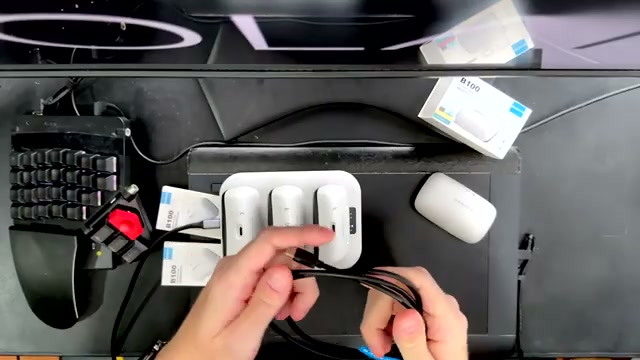 The BD3 cable and power setup used for the charging measurements.
When the dock remained connected without batteries, it consumed about 0.5 W. With full batteries installed, consumption increased slightly to around 0.7 W while the dock periodically checked their status.
Battery rotation
The BD3 becomes more useful when two or three B100 batteries are available. The display cycles between the charging wattage and the percentage, while a small white indicator identifies the fuller battery. That makes it easy to take the battery that is ready and leave the emptier one charging.
I recommend marking the batteries so you know which one was used last. That lets you rotate them instead of repeatedly using the same battery while the others sit unused.
The dock cannot charge the older battery used by the M3 Pro. It is intended for the newer B100-series batteries, including the batteries used by the S3 Pro and M3 Max.
Should you buy it?
If you own one B100 battery and rarely remove it from a head strap, the BD3 is a convenience rather than a necessity. USB-C charging is slower but works.
If you own two or more B100 batteries, the BD3 is one of the most useful accessories in the system. The faster charge, clear display and battery rotation indicator make it much easier to keep a Quest headset ready for long sessions.
Just check the power-supply specification before buying. For maximum speed you need the right 100 W, 20V supply.
Watch the original video review
Interested in BOBOVR BD3?
These are the same affiliate links I use below my YouTube videos. They cost you nothing extra and help support the channel.